For students
Make room for one study session.
Break an assignment into tasks, choose one and give it your attention.
Saved in this browser on this device.
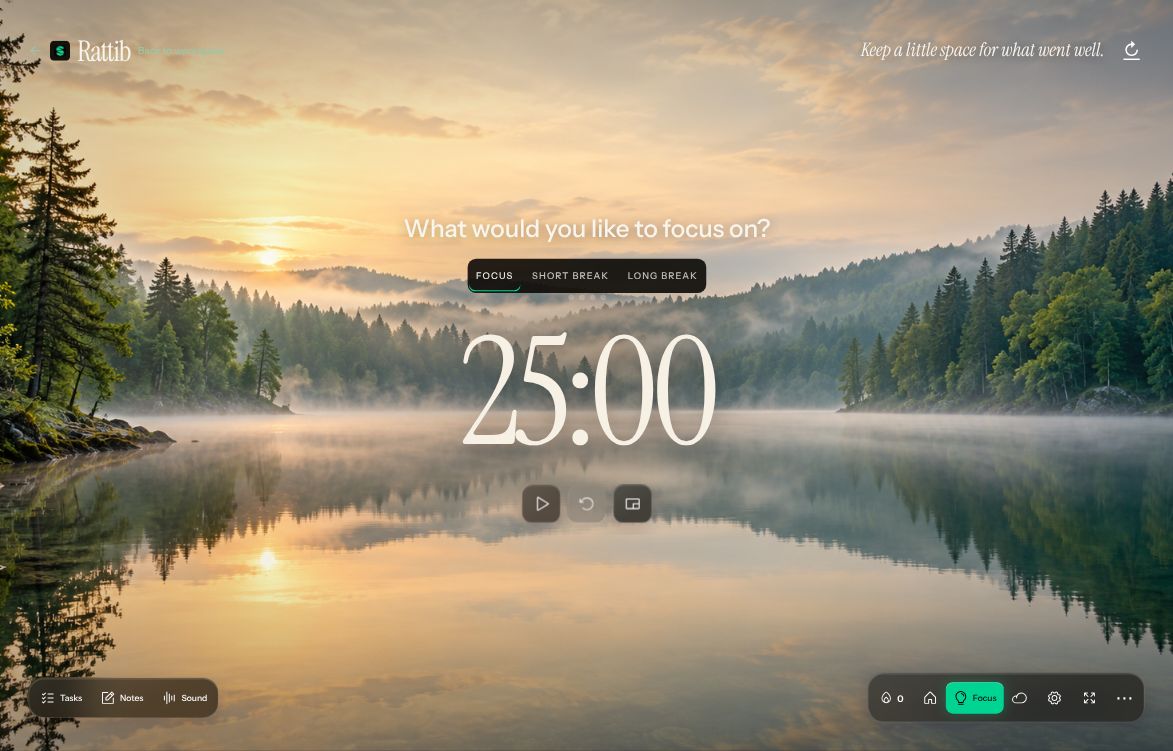
Start with one next step
Choose something small.
Write the next task for an assignment, revision session or personal project.
Choose something small.Give it a focused session.
Set an intention or choose a linked task, then start the timer when you are ready.
Give it a focused session.Keep the work connected.
Group related tasks in a project and review what still needs your attention.
Keep the work connected.
Ending the timer does not automatically complete the linked task.
Keep a backup
Saved in this browser on this device. Keep a private backup before clearing browser data or changing devices.
Keep a backupYour own work starts in Rattib.
These pages do not create sample records or change your workspace.